
Sadeem POS ERP.li
Connect erp.li POS Flutter app to Odoo via a secure REST API

erp.li POS — Mobile Point of Sale The Native POS App for Odoo — Works Online and Offline
A complete mobile Point of Sale app that connects directly to your Odoo server.
Manage products, customers, cashiers, orders, and receipts — with full offline support
and automatic sync when your connection returns.
Available on Google Play
Download the erp.li POS app on your Android device and connect to your Odoo server in minutes.

Scan to open on Google Play
Features
Online & Offline Mode
Sell without interruption. When the internet drops, the app switches to offline mode automatically. All orders are saved locally and synced to Odoo the moment the connection returns.
Full Cart Management
Add, remove, and adjust quantities for any product. Apply per-item discounts (percentage or fixed amount), edit prices manually, and apply an overall order discount.
Barcode & Camera Scanner
Scan product barcodes using the device camera for instant lookup. Supports EAN-13, QR codes, and internal references. Can be toggled on or off from POS settings.
Multiple Payment Methods
Accept cash, card, bank transfer, or any payment method configured in your Odoo POS. Calculates change automatically for cash payments.
Customer Management
Search and assign customers to orders. Preloads the most recent contacts for instant offline access. Supports a configurable default customer that is pre-selected on every new order.
Multi-Cashier with PIN
When the HR POS module is enabled, cashiers log in with a personal PIN. Manager and basic cashier roles are supported based on Odoo POS employee assignments.
Product Variants
Products with multiple variants (size, color, etc.) show a variant selector before adding to cart. Each variant has its own price, barcode, and stock.
Local SQLite Cache
On first session open, the app caches all products, customers, product images, and POS config to an on-device SQLite database — per server, per database. Subsequent offline opens load instantly from cache.
Receipt Sharing
After every order, share the receipt as a PNG image, a PDF document, or plain text via any app installed on the device — WhatsApp, email, Telegram, and more.
Voice Search
Search products by speaking. When enabled in POS settings, a microphone button appears in the search bar for hands-free product lookup.
Tax Handling
Respects the Odoo POS tax-included / tax-excluded setting. All tax computations are performed server-side using Odoo's tax engine and synced to the app on each session open.
Order History
View all orders placed in the current session from the orders screen. Each order shows reference, customer name, total, status, and date.
Subscription & Licensing
Built-in trial and Pro subscription management. Devices are registered automatically with a 14-day free trial. Upgrade to Pro from the settings screen.
Arabic & English UI
Full Arabic (RTL) and English (LTR) localization. The app switches language instantly from the login screen — no restart required.
Screenshots
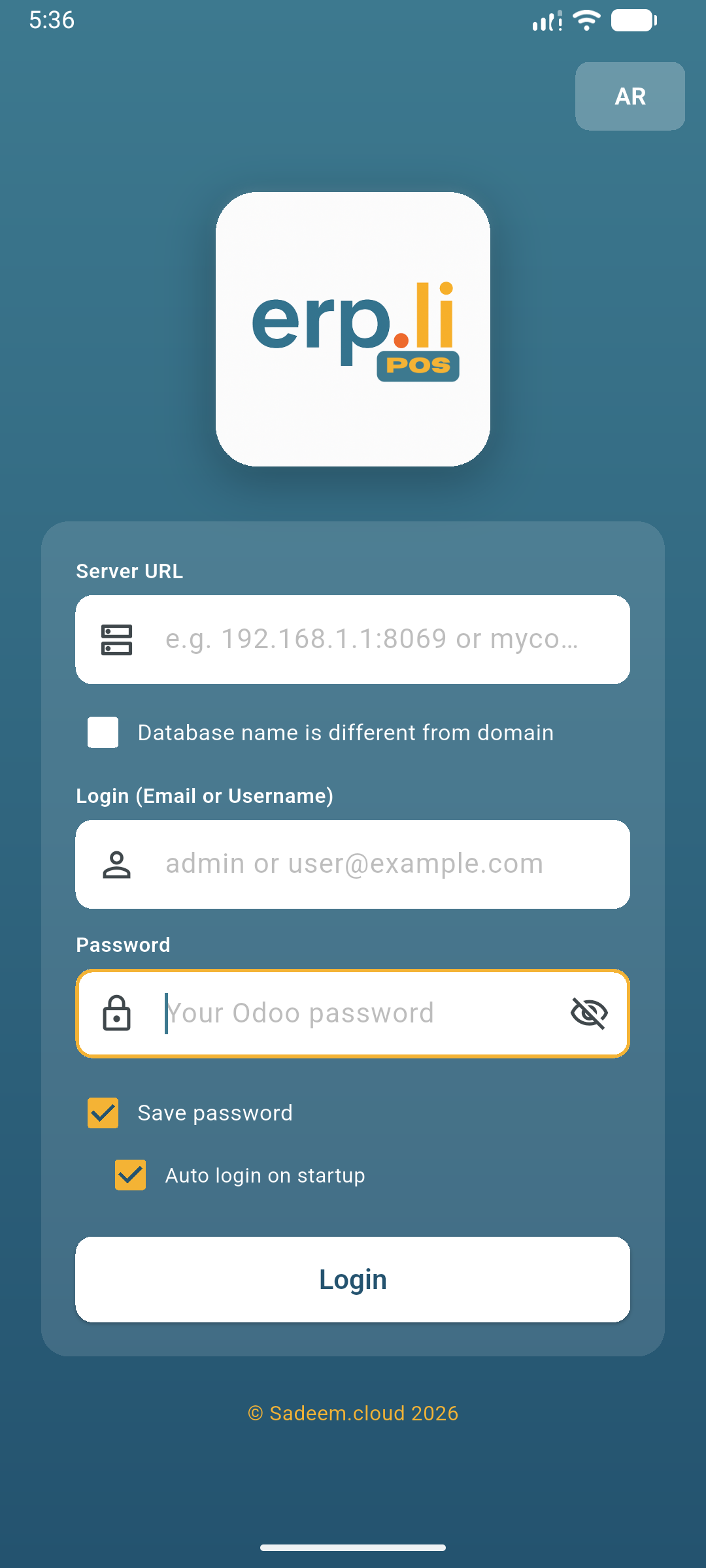
Login Screen

Session Selection
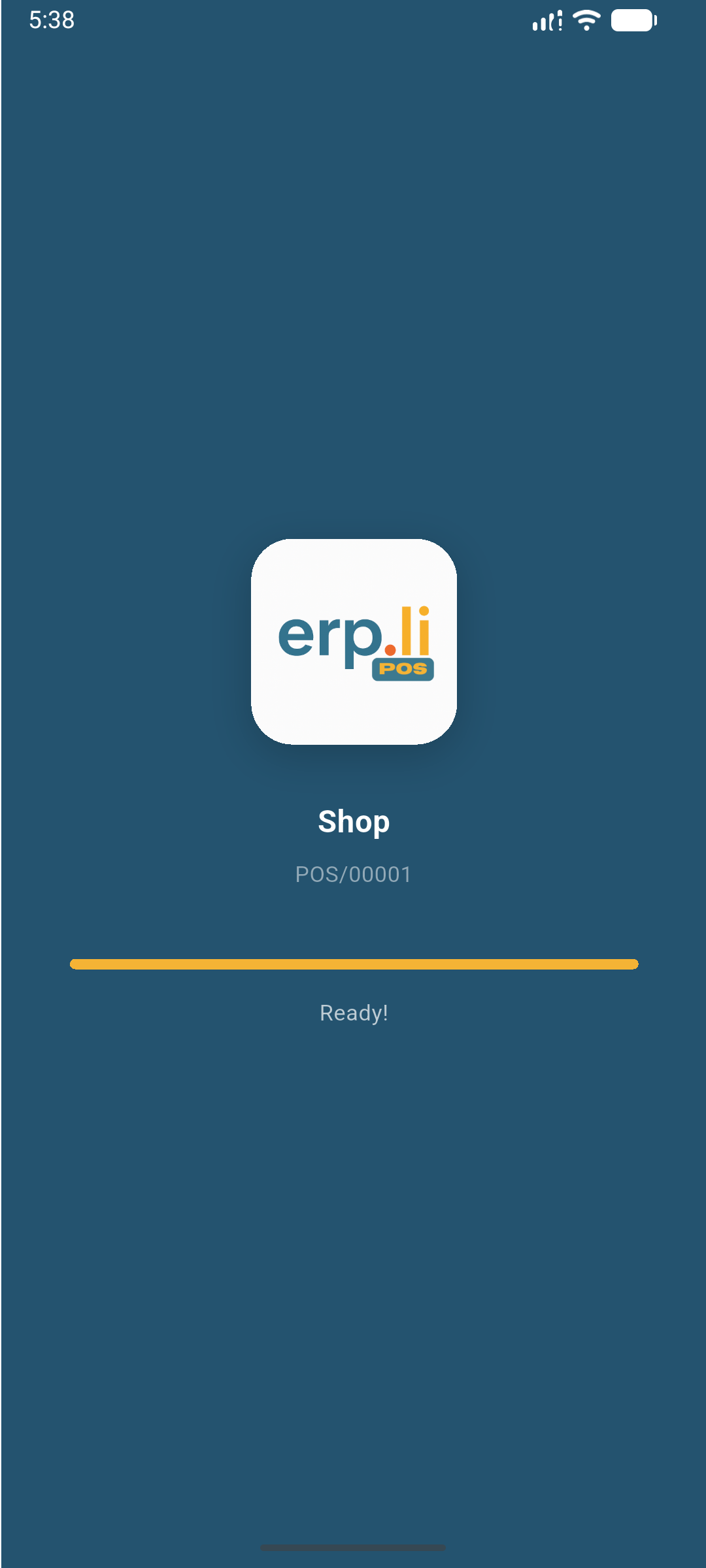
Loading & Caching
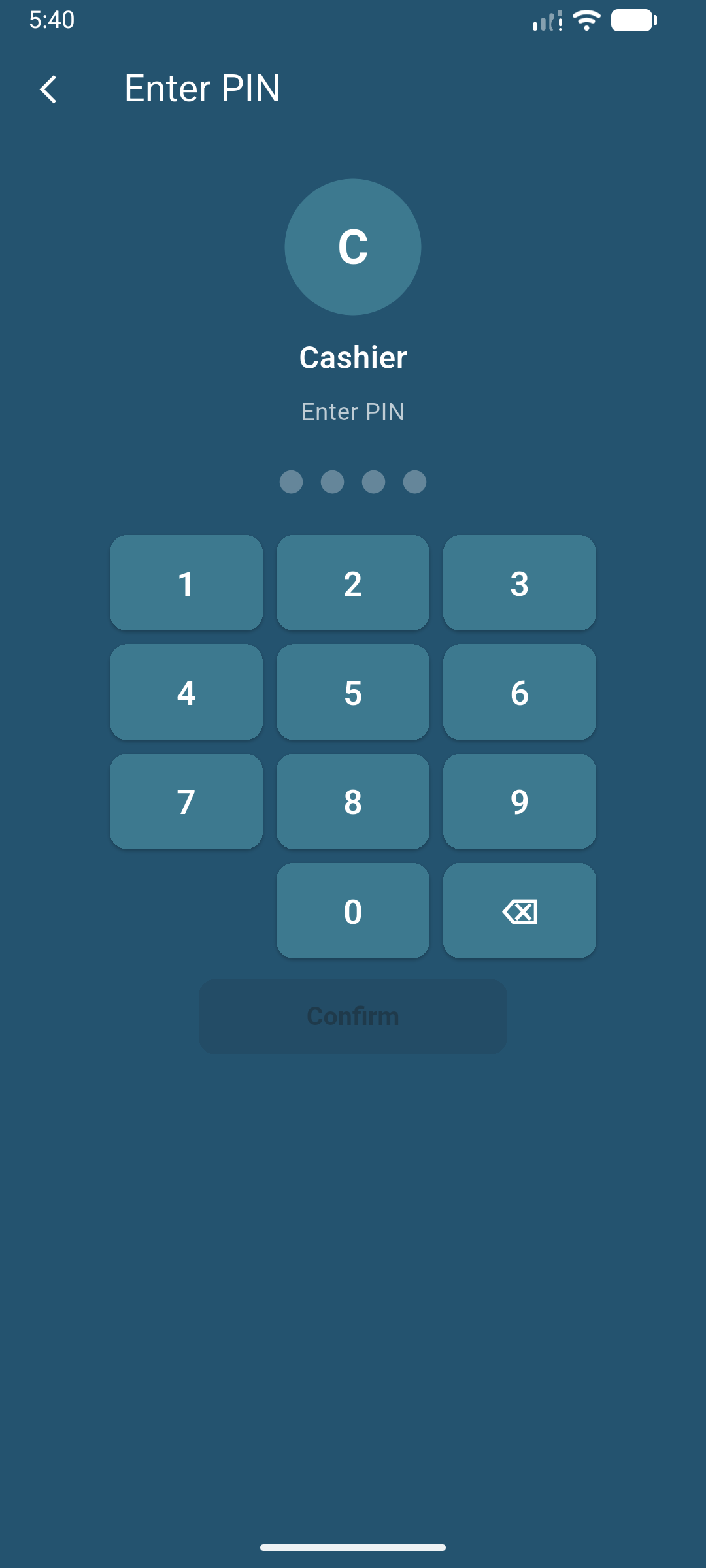
Cashier PIN Login
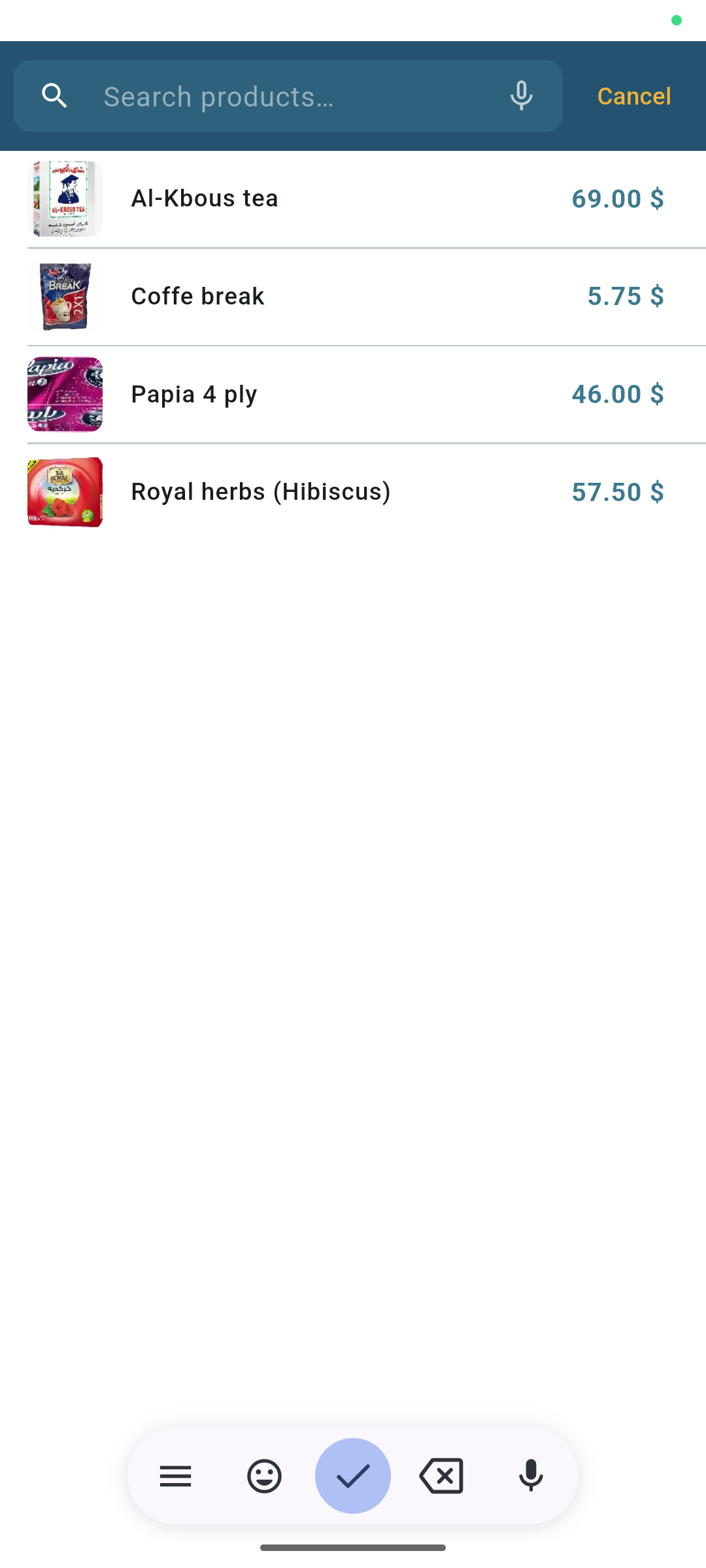
POS — Product Grid
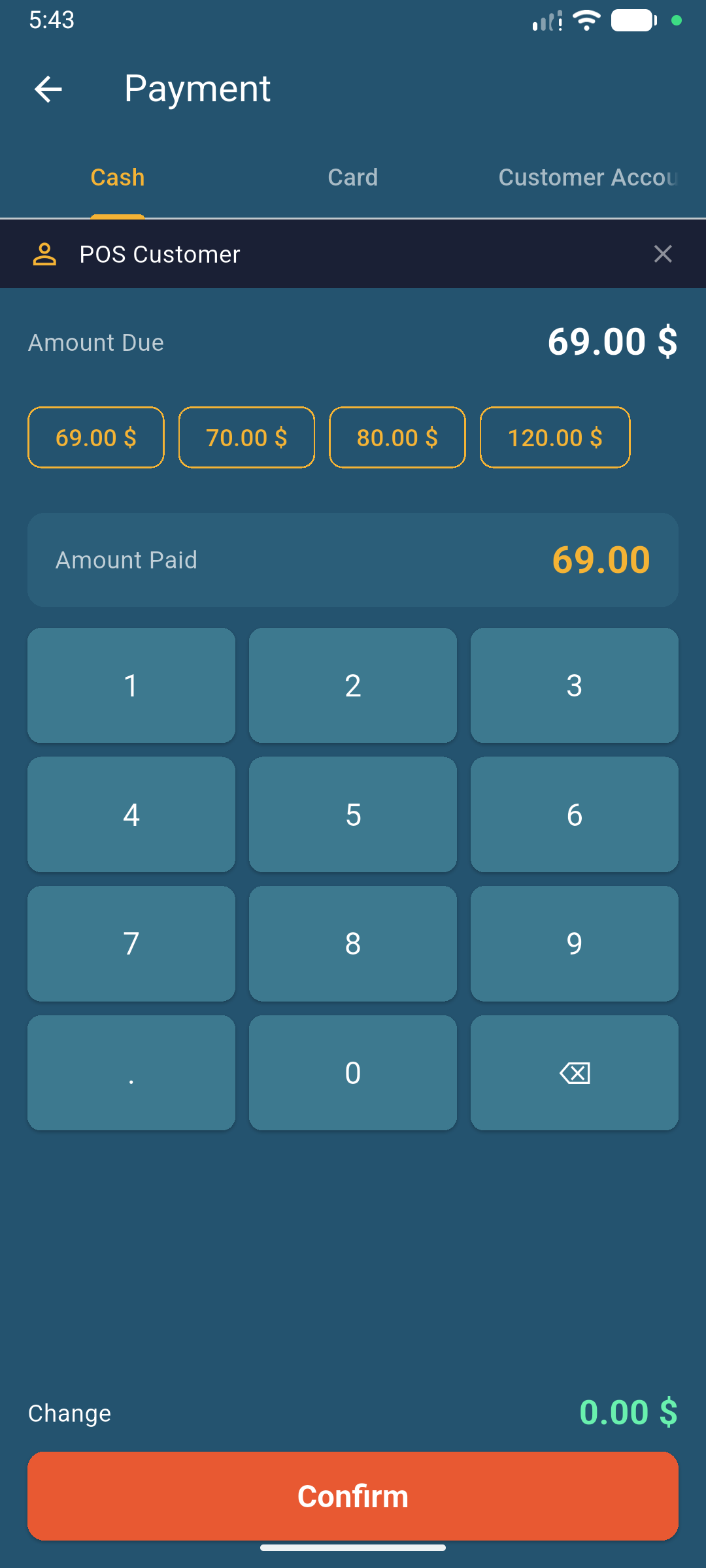
Cart & Order Summary
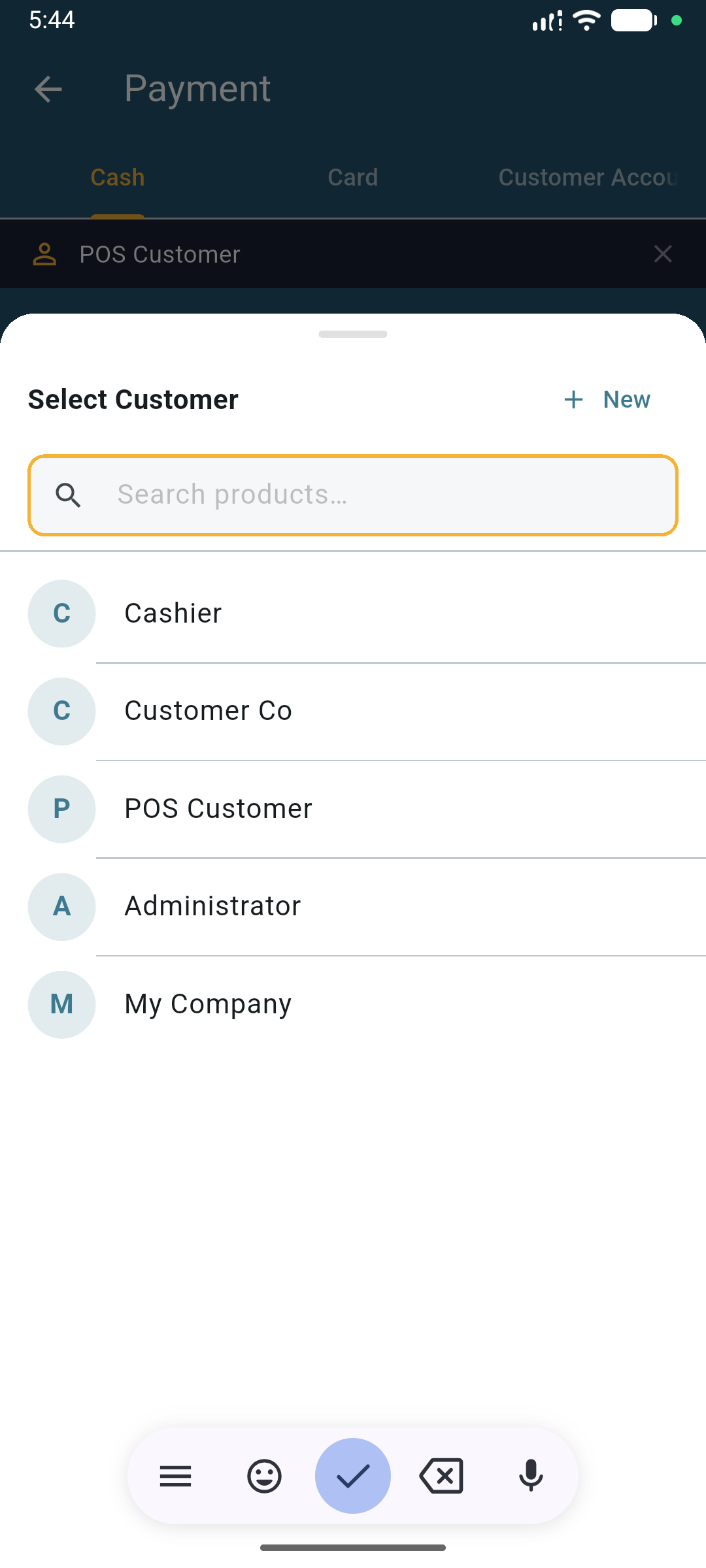
Customers Screen
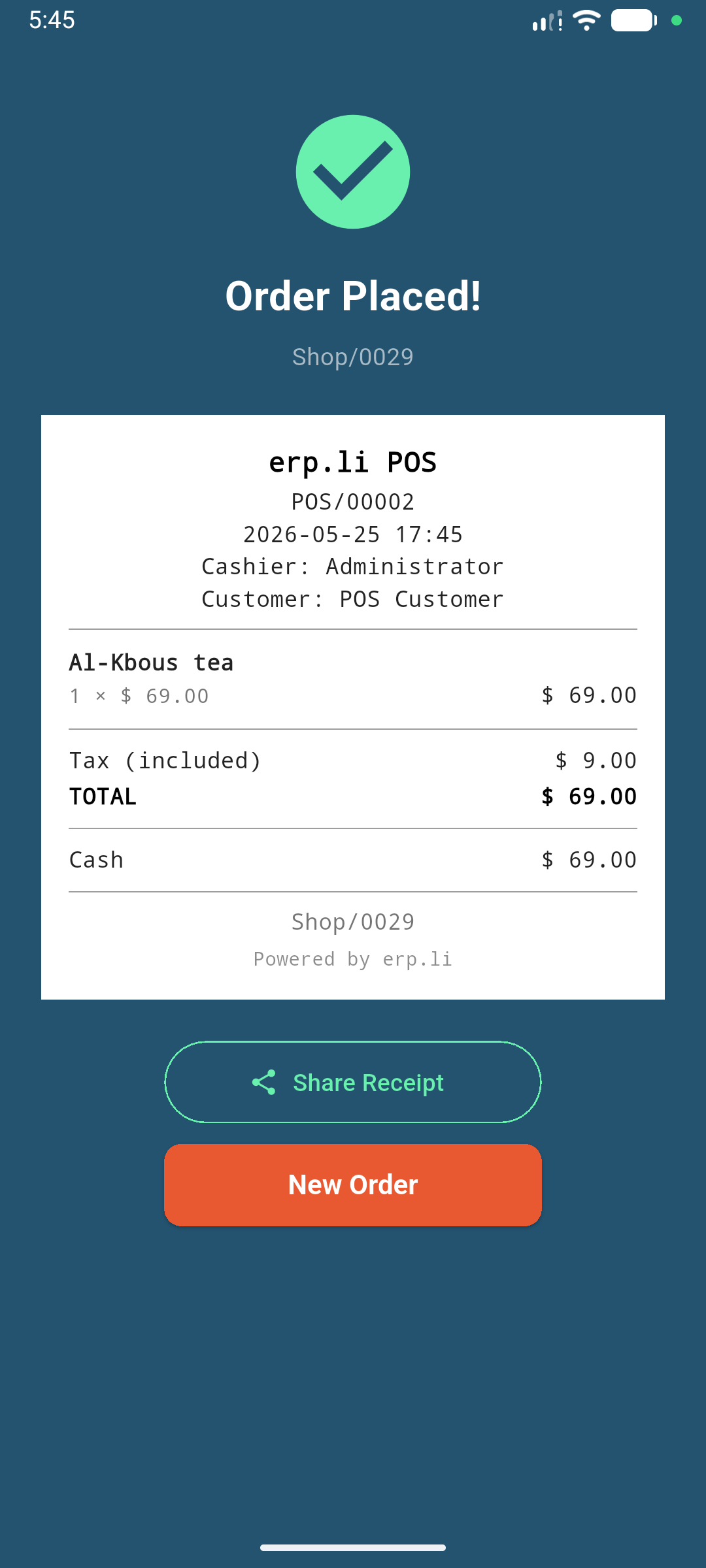
Order Receipt & Share
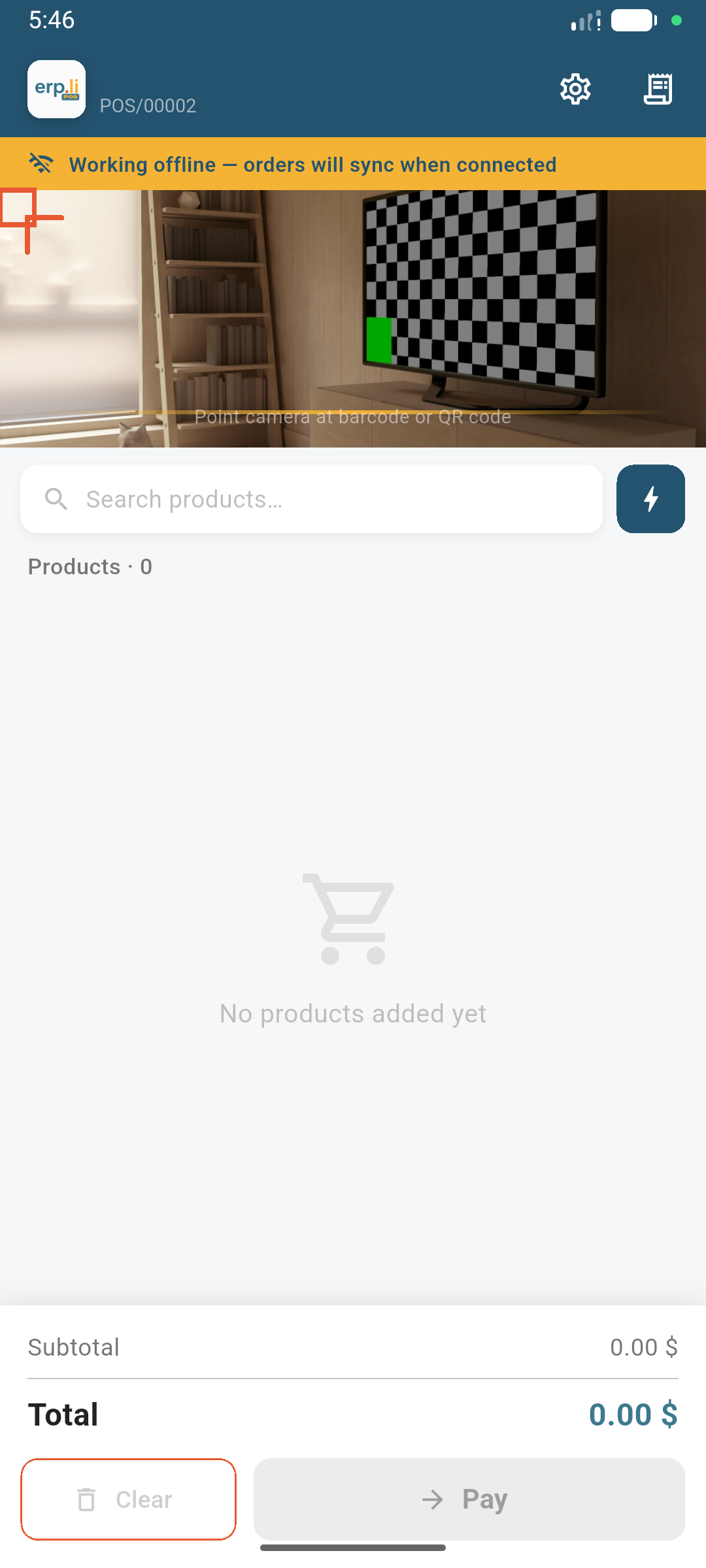
Offline Mode Banner
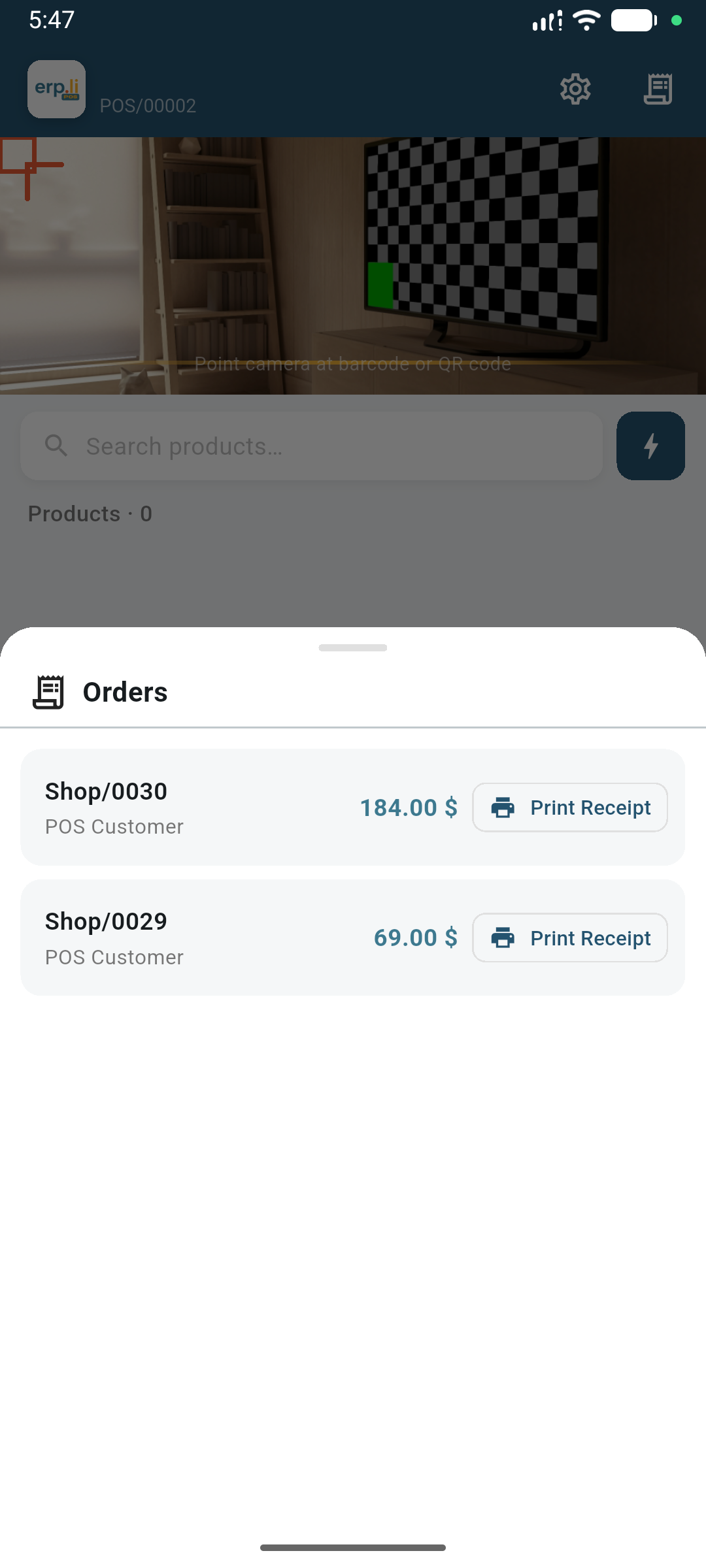
Order History
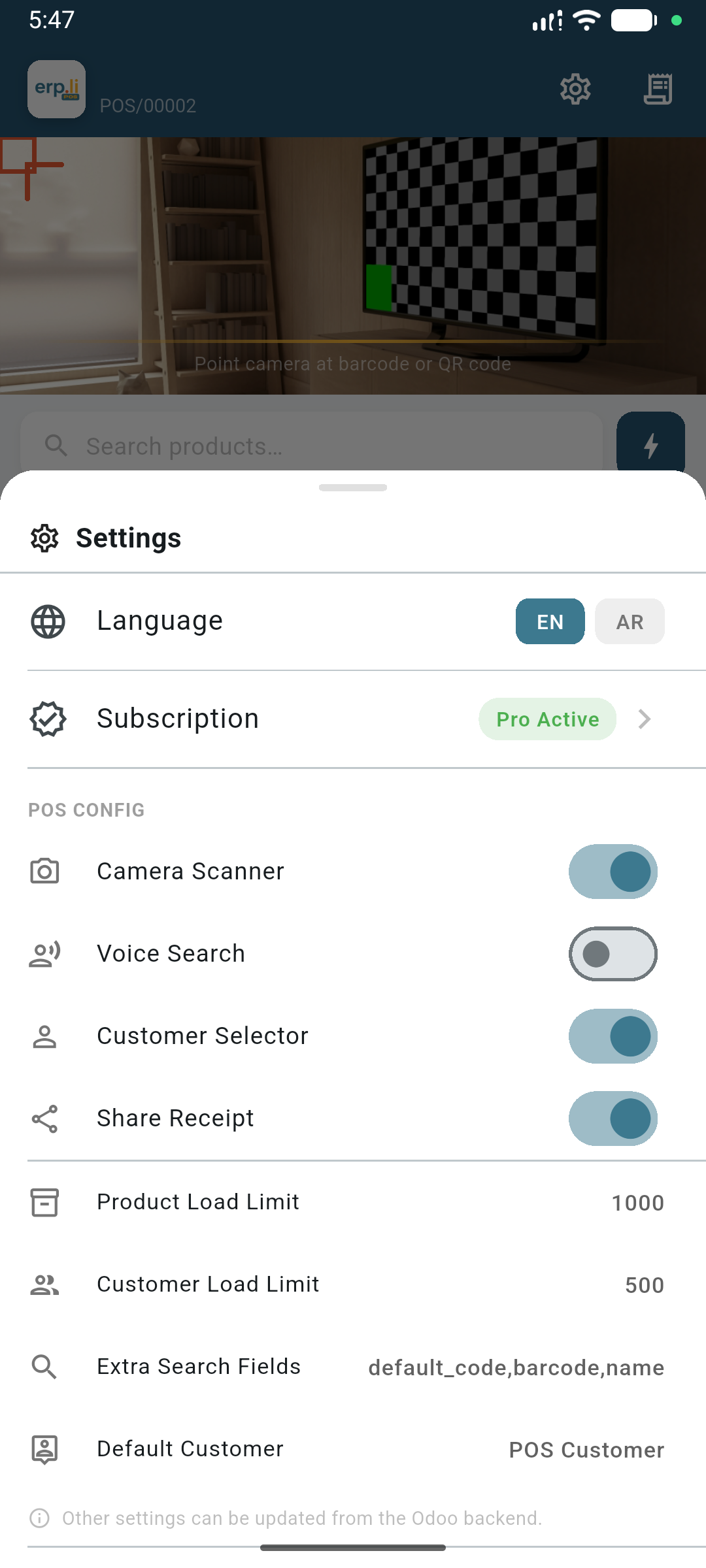
App Settings
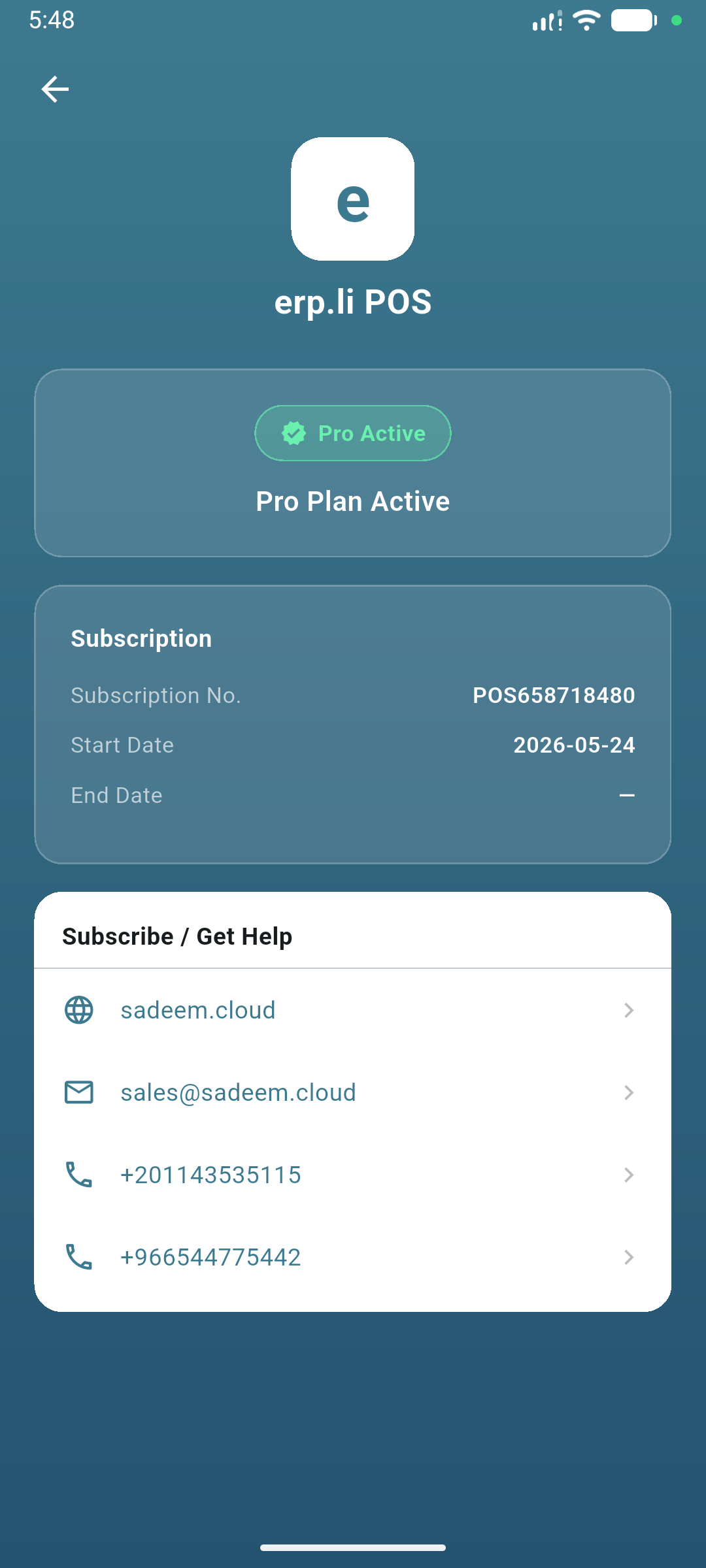
Subscription Status
Odoo Configuration
Step 1 — Install the Addon
Install the Sadeem POS ERP.li addon from the Odoo Apps menu. It requires the standard point_of_sale and hr modules.
Step 2 — Configure POS Settings
Go to Point of Sale → Configuration → Settings. Under the erp.li POS Config section you will find:
| Setting | Default | Description |
|---|---|---|
| Camera Scanner | On | Enable barcode scanning via device camera |
| Customer Selector | On | Show customer picker on the payment screen |
| Voice Search | Off | Enable microphone button for product search |
| Share Receipt | Off | Show image / PDF / text share options after each order |
| Product Load Limit | 1000 | Max products loaded per session sync |
| Customer Load Limit | 500 | Max customers cached to device |
| Extra Search Fields | default_code, barcode, name | Comma-separated field names used when searching products |
| Default Customer | — | Pre-selected customer for every new order |
Step 3 — Install the Mobile App
Download the erp.li POS app on your Android device. On first launch enter your Odoo server address, database name (if different from the domain), login, and password.
Step 4 — Open a Session
After logging in, select or open a POS session. The app will load all products, customers, and images in one progress screen before taking you to the POS floor.
Frequently Asked Questions
Yes. On the first session open the app caches all products, customers, product images, and POS config to an on-device database. If internet is lost during the shift, selling continues normally. All offline orders are saved locally and automatically synced to Odoo when connectivity returns.
The addon is developed and tested on Odoo 18. It uses standard Odoo POS APIs that are compatible with Odoo 16, 17, and 18. Community, Enterprise, and Odoo.sh are all supported.
Yes. The app respects Odoo's multi-company access rules. Each user logs in to their own company and sees only the POS sessions and products permitted by their Odoo access rights.
Yes. The app supports both http:// and https:// connections. A warning banner is shown when using an insecure HTTP connection so users are aware of the risk.
There is no hard limit. Each device authenticates with its own Odoo user credentials. The subscription license is managed per device by the built-in licensing system.
Yes. Contact us at [email protected] to discuss your requirements.
Yes. Log in to your Odoo Apps account and re-download the module to get the latest version at any time.
Change Log
Version 26.5.25 - 2026-05-25
- New: Blocking CachingScreen with progress bar — loads config, products, customers, and images on first session open
- New: POS config persisted to SQLite (pos_config table) for full offline support
- New: Product images cached as Base64 in SQLite and displayed offline without network
- New: Customers preloaded (up to 500) and available for search offline
- New: Default customer pre-selected from POS config on payment screen open
- New: Offline orders include partner_id and sync customer to Odoo correctly
- New: Share receipt as Image (PNG), PDF, or Text after each order
- New: App icon, splash screen, and login logo updated to erp.li POS branding
- Fix: Product upsert no longer blanks cached image_data on session re-open
- Fix: Odoo
falsevalues in partner fields no longer cause a type cast crash - Fix: Partner search no longer filtered by customer_rank — all active contacts returned
- Fix: Odoo image endpoint uses correct Cookie session header
- Arabic and English localizations updated with all new strings
About
Sadeem is an Egyptian registered company established in 2020 under the name Digital X and renamed to Sadeem in 2023.
- Technical Name:
-
sadeem_pos_erp_li - Category:
- Point of Sale
- Lines of Code:
- 1185
- Website:
- Visit Website
- Dependencies:
-
point_of_salehr
License: LGPL-3
This module is licensed underLGPL-3.